How it works
The Salesforce connector indexes documents from your Salesforce. These documents organized around the Objects that you indicate. Examples are below.Setting up
Authorization
- Log into Salesforce
- The Salesforce user must be an organization member or have admin access to the data you would like to index.
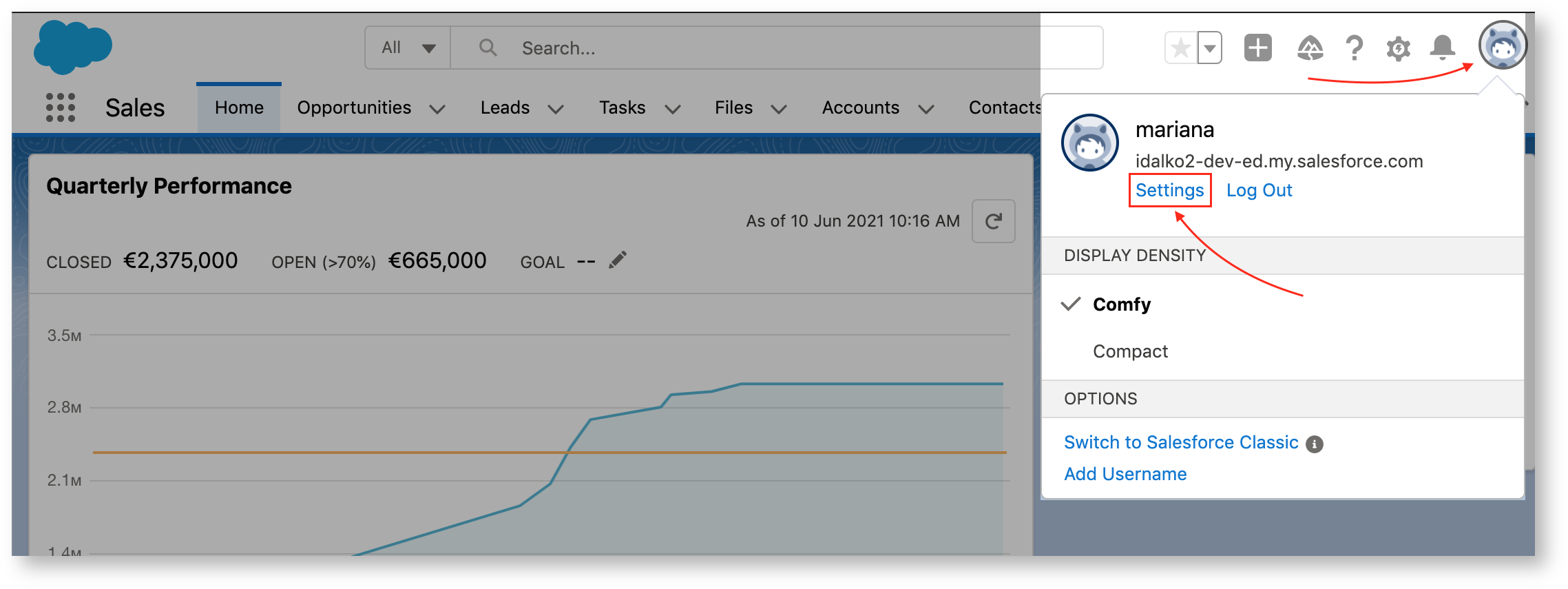
- Click the profile avatar and choose Settings.
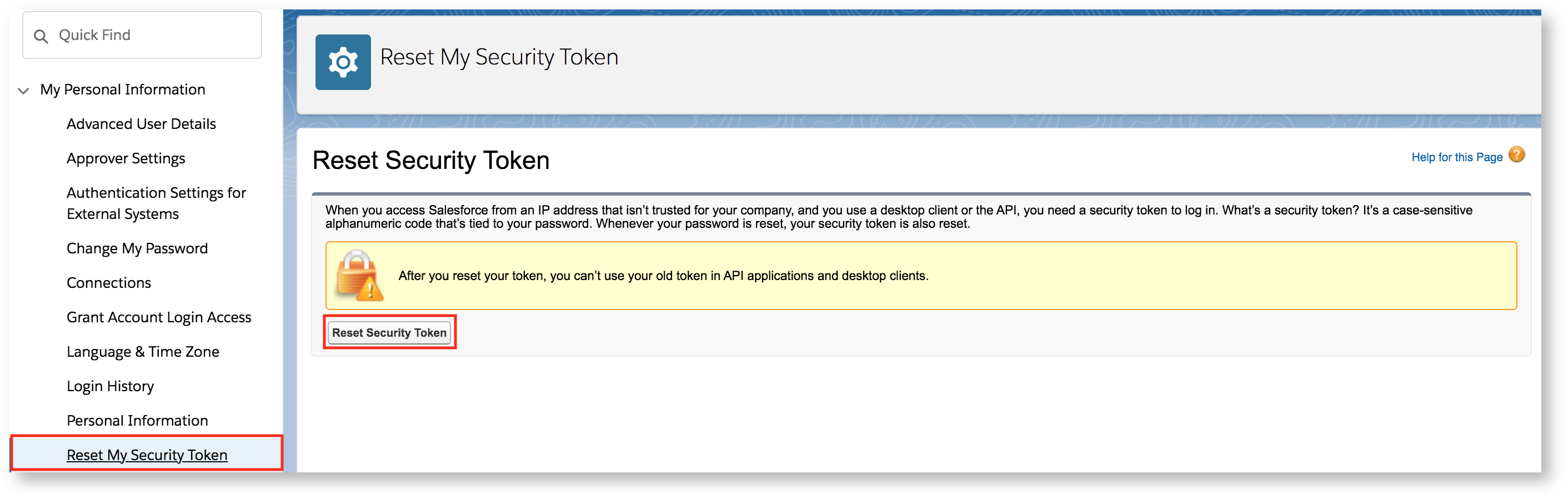
- Select My Personal Information → Reset My Security Token.
- Check your email for the security token.
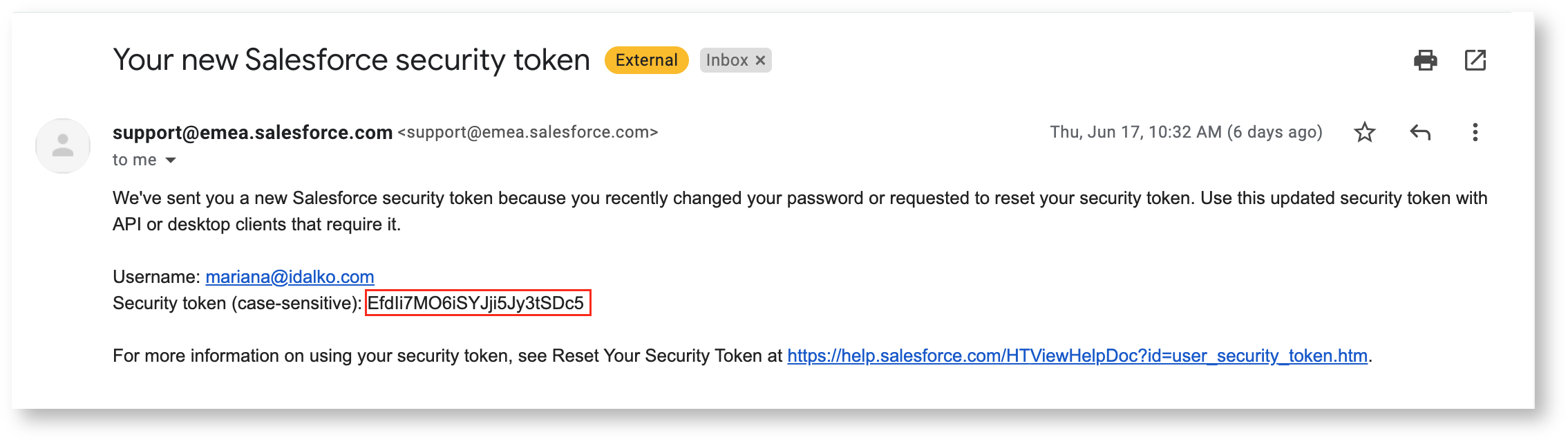
- Once the token has been regenerated, you can use it (as well as your username and password) to authorize your UtopikAI connector
Indexing
- Open Admin from the profile menu, then go to Connectors and select the Salesforce Connector Tile.
- Provide your Username, Password and the Security Token received from the above steps.
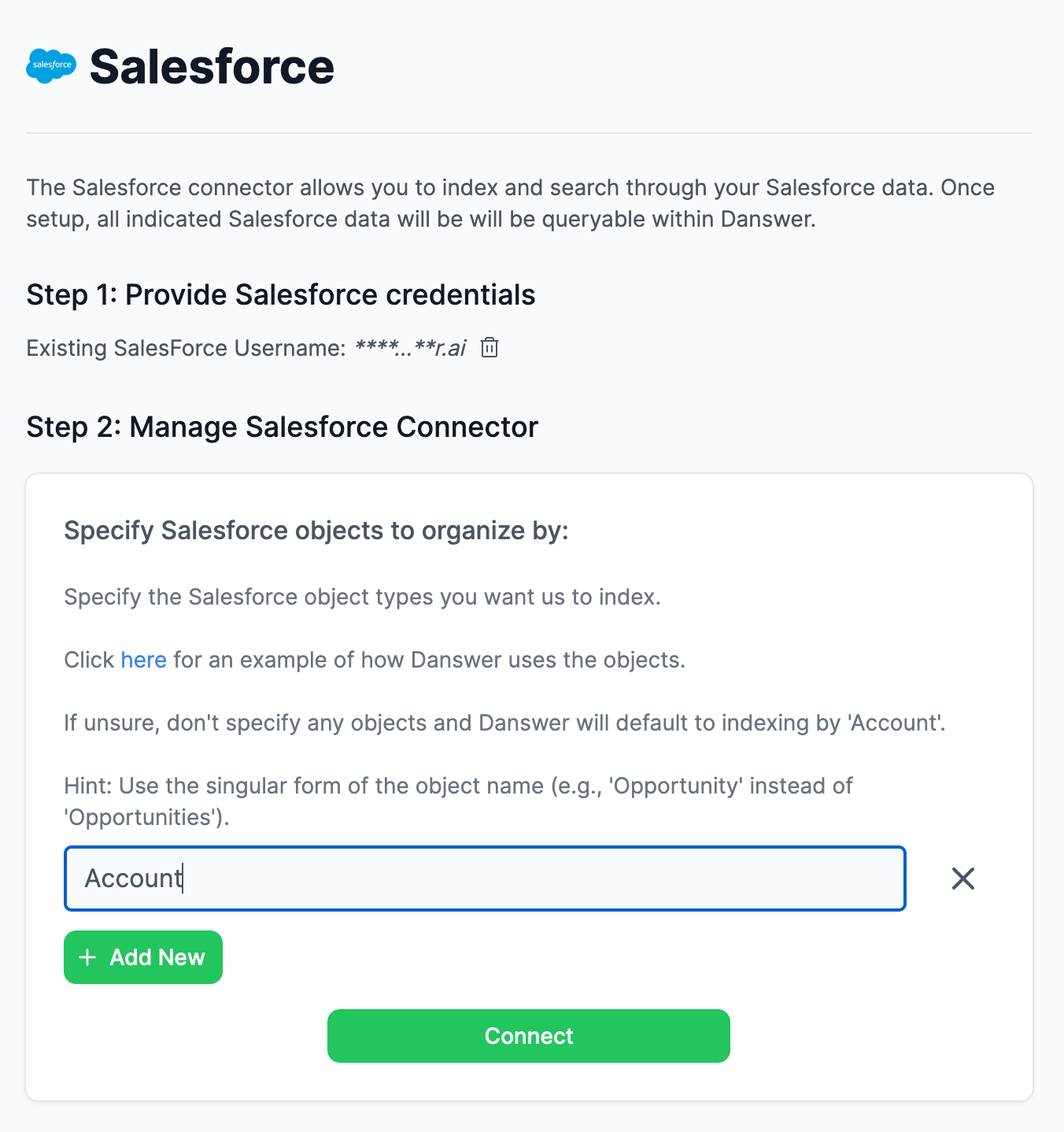
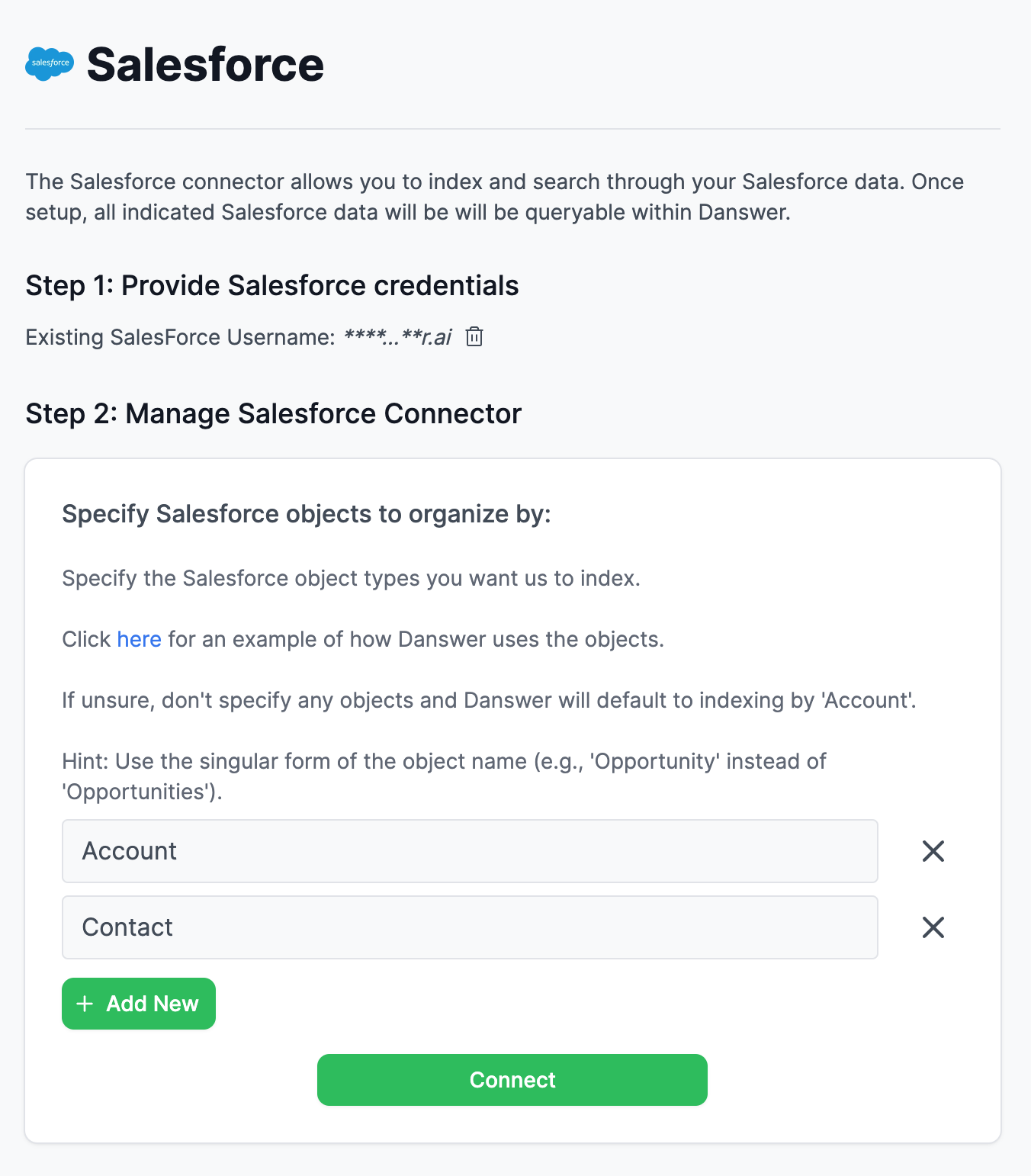
- Enter the Salesforce Object(s) you wish to index and organize your UtopikAI documents by.
- make sure to use the singular version of object name (e.g. Opportunity instead of Opportunities)
- if no objects are indicated, it will default to indexing by Account
- Information will then be indexed by the indicated object(s)
An Example
- You indicate you’d like to organize information by Account and click connect: