
Roles is only available for Workspace Admin.
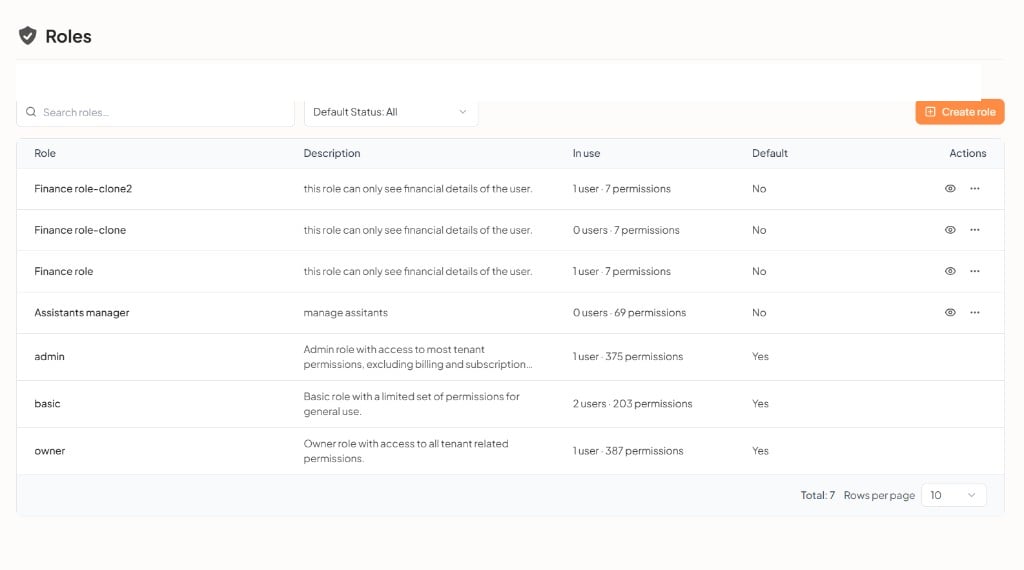
What you can do
Roles table
The footer shows the total number of rows and the rows-per-page setting.
Create a role when you need a specific set of permissions, then assign it to users or groups.
Create a role
Click Create role. The flow has three steps: Role details, Permissions, and Summary.1. Role details
Enter the role name and an optional description, then Continue.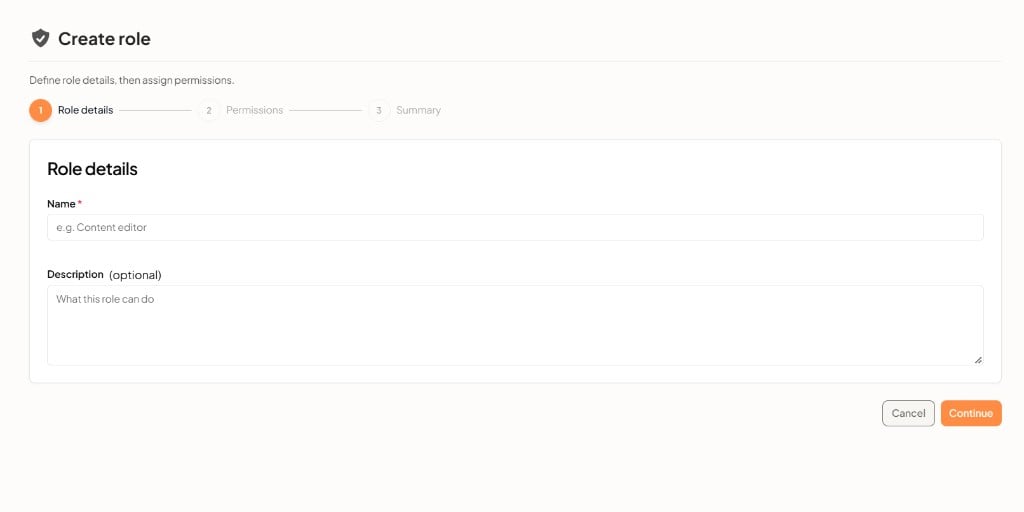
Click Cancel to close without creating a role.
2. Permissions
Choose an entity on the left, then select the permissions that entity should allow. Use Search entities and Search permissions to find a specific item.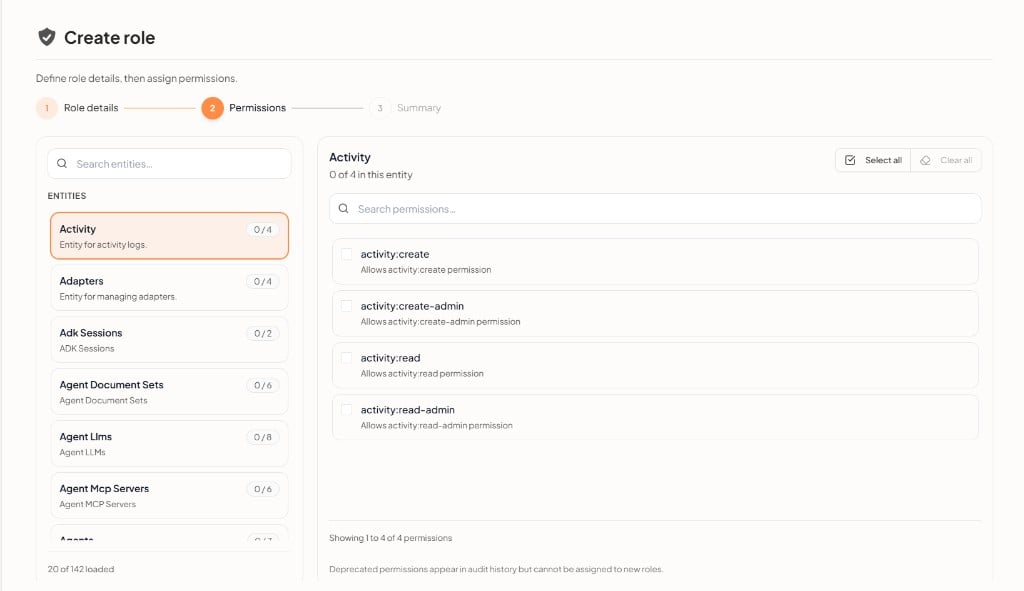
Each permission has a name (for example
activity:create) and a short description. Deprecated permissions appear in audit history but cannot be assigned to new roles.
3. Summary
Review the role details and selected permissions, then Save permissions. Permissions apply after the role is saved.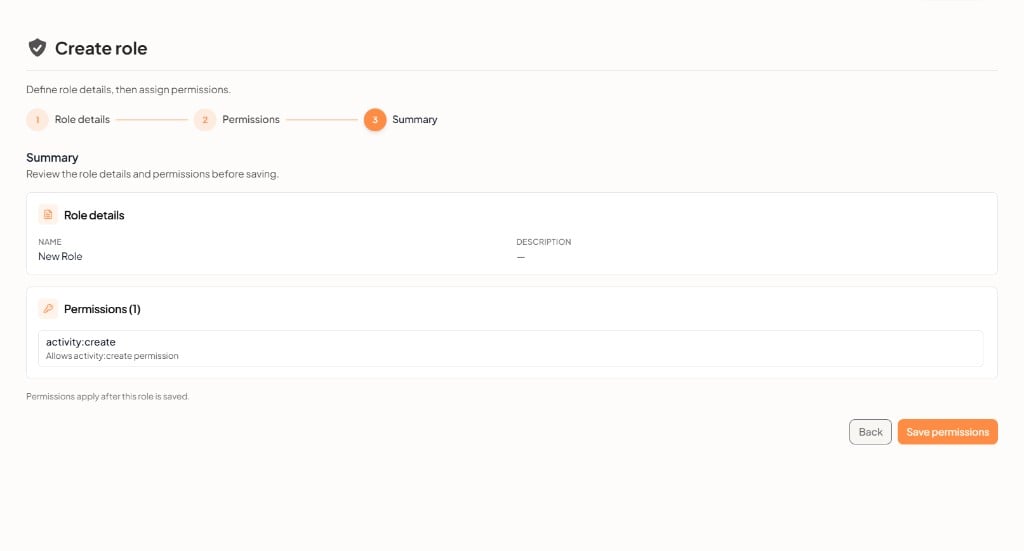
- Role details — name and description
- Permissions — the permissions you selected, with a count