Task Templates is only available for Workspace Admin.
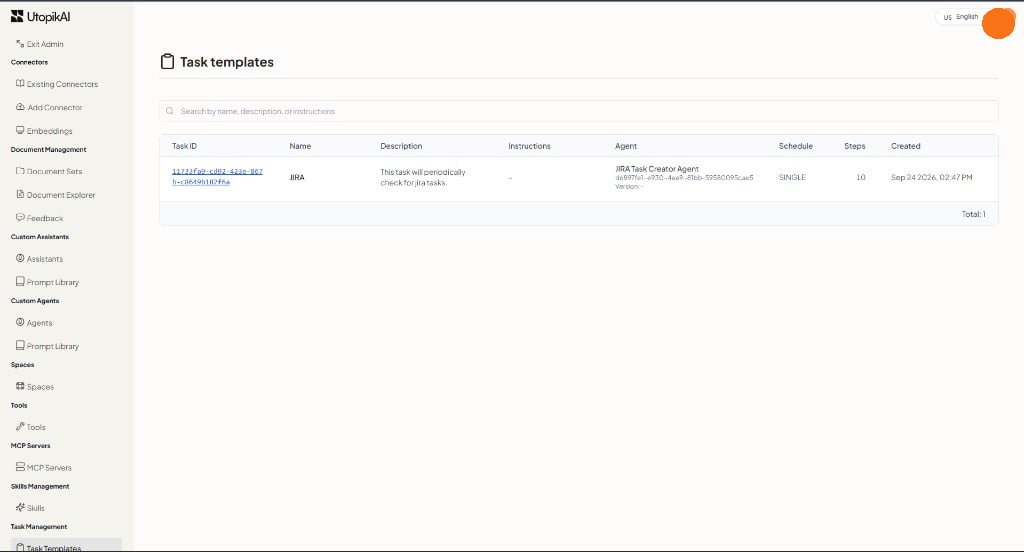
Task Templates are reusable task definitions — name, description, instructions, assigned assistant or agent, and schedule settings. Open Admin → Task Management → Task Templates. Task Templates in Workspace Admin Create a live task from a template when you want the same job to run again without filling the full form from scratch. To attach a task while you are editing one agent, use From Agent Builder.

What you can do

Task Templates table

The footer shows the total number of rows.

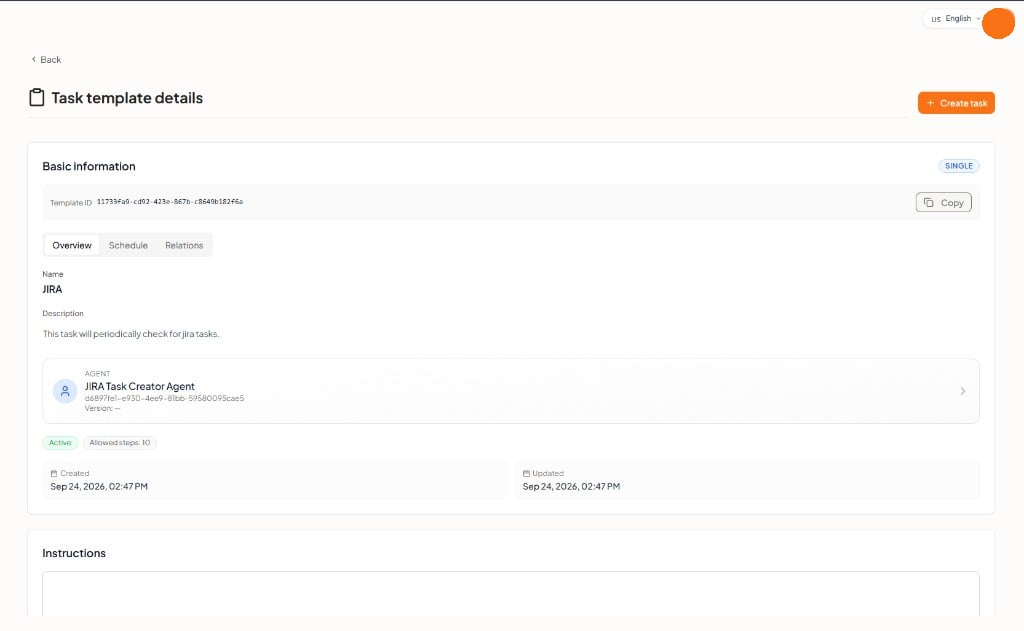
Template details

Click a Task ID to open Task template details. Task template details The schedule type (for example SINGLE) appears on the Basic information card.
Create a task from a template

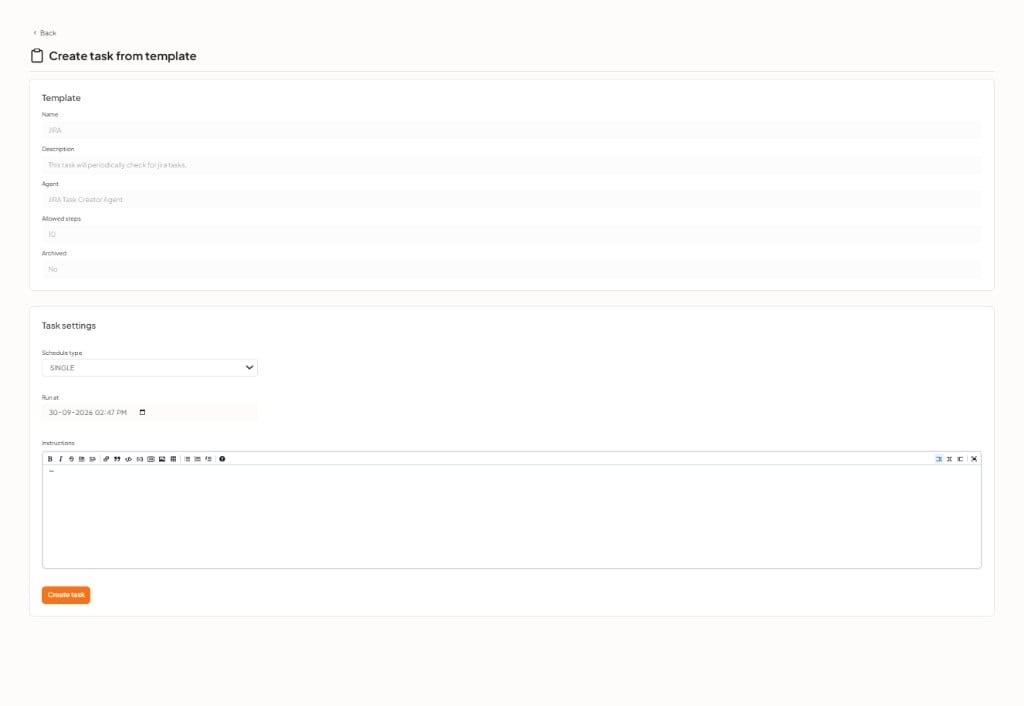
On the details page, click + Create task. The form is titled Create task from template. Create task from template The Template section is filled from the template: Then set the run: Click Create task. The run appears under Task Results. Field names match the new task form.