
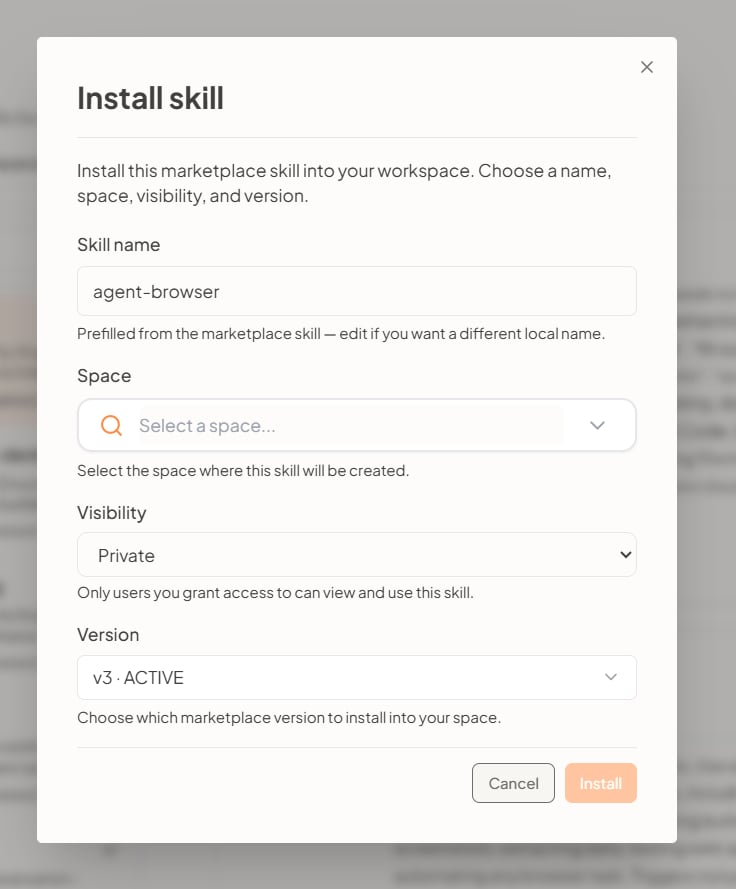
Install skill
- Skill name — Prefilled from the marketplace. Edit it if you want a different local name.
- Space — Select the space where this skill will be created.
- Visibility — For example Private: only users you grant access to can view and use the skill.
- Version — Choose which marketplace version to install into your space (for example an ACTIVE version).