Create a task in the agent builder when you are already setting up that agent. The same step exists in the assistant builder. This attaches the task to the agent (or assistant) you are editing. To create tasks for any agent and manage templates or results, use From Workspace Admin.

Create a task

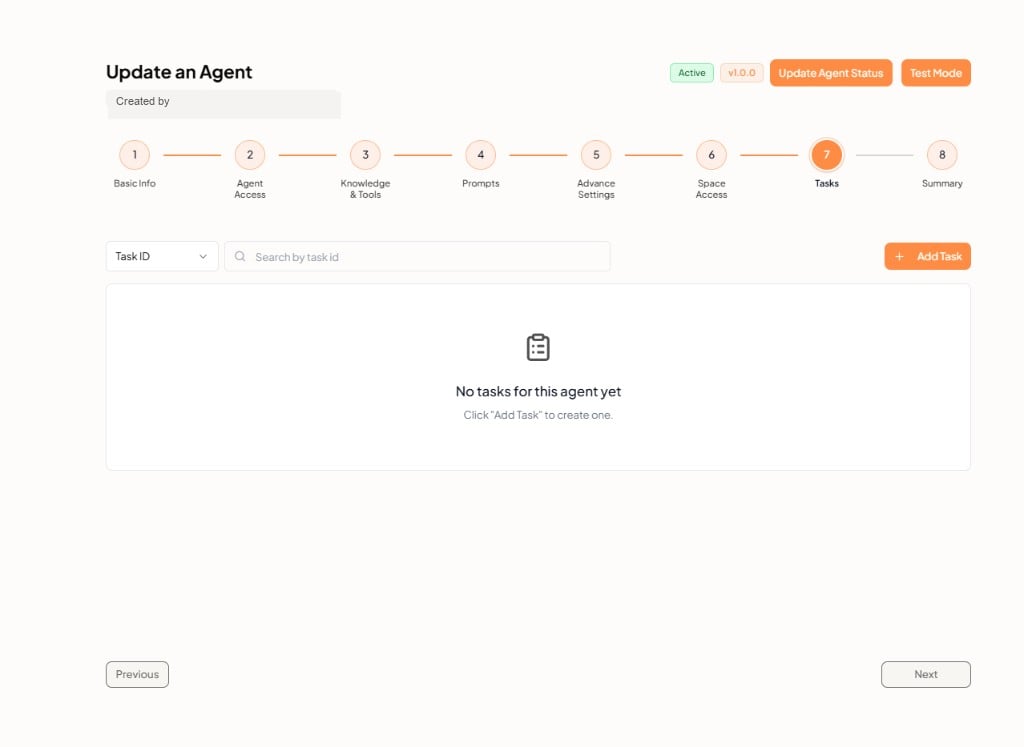
  1. Open the agent and go to step 7: Tasks. See Creating Agents.
  2. Search existing tasks by Task ID, or click + Add Task.
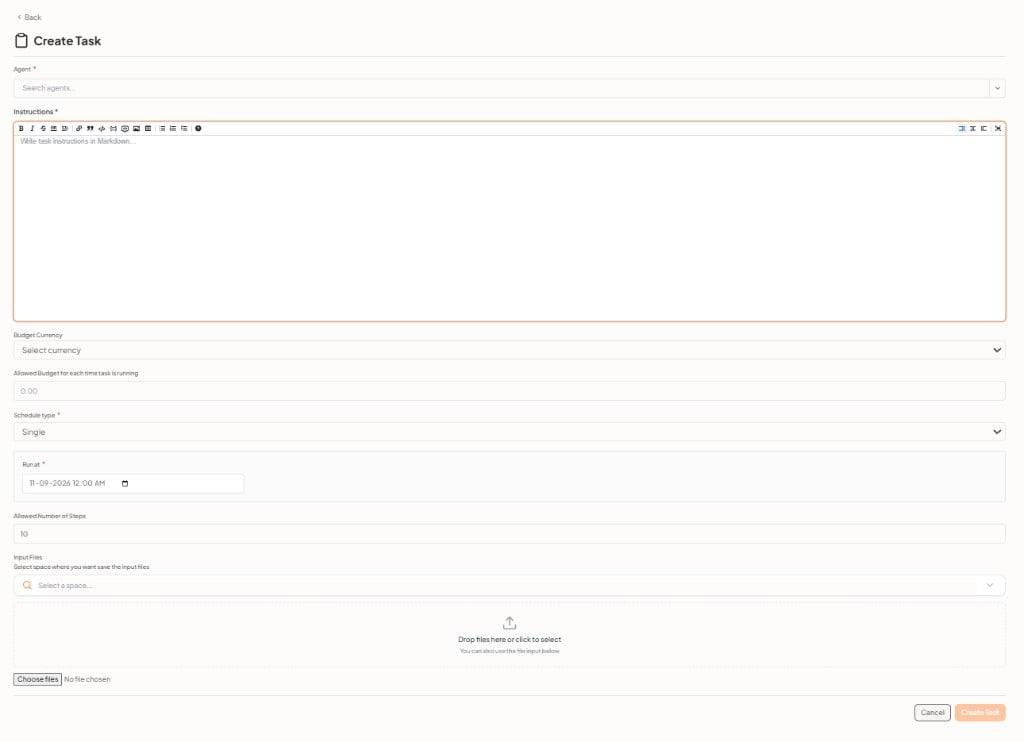
  3. Fill in the form, then Create Task.
Tasks step in the agent builder If none exist, the empty state is No tasks for this agent yet. For an assistant, use step 7: Tasks in Creating Assistants. The empty state is No tasks for this assistant yet.

New task form

New task form in the agent builder The Agent field is the agent you are editing (name, version, and status). It does not create a separate entity. The note reads This task is created for the agent you are editing. When you add a task from the assistant builder, that field is the assistant. Click Create Task to save, or Cancel to close without adding a task. The full field list is also on Tasks Overview.