- Text to Video
- Image to Video
- Video Enhancement
Video catalog
For pricing, see the video models page.Text to Video
- Select the Text to Video tab.
- Choose a model (for example LTX 2.3 Pro, Veo 3.1, or Kling V3 Video).
- Pick a generation task if the model offers more than one, such as Text to Video, Image to Video, Audio to Video, Retake (Section Edit), or Extend Video.
- Enter a Prompt.
- Set Duration if shown (for example 6 seconds).
- Click Generate.
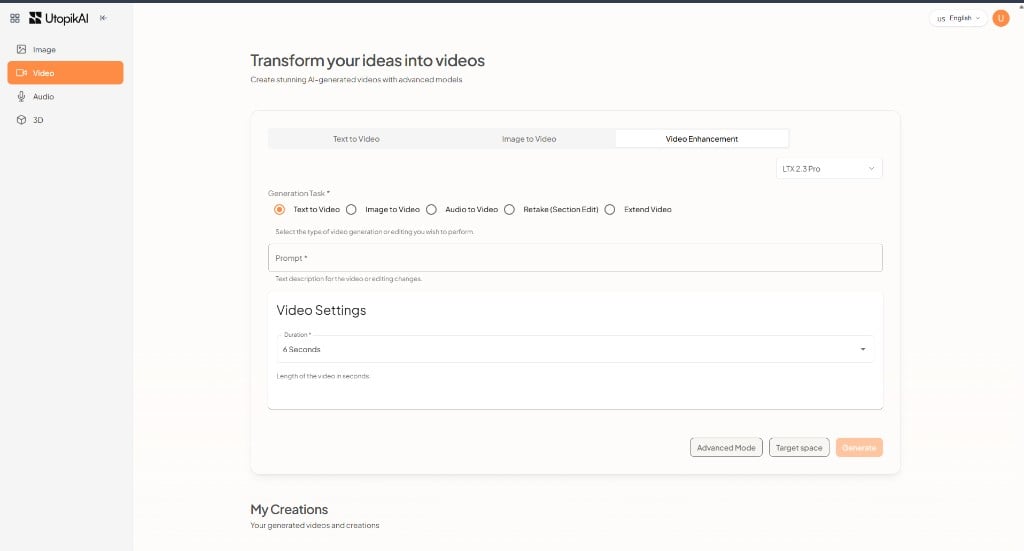
Image to Video
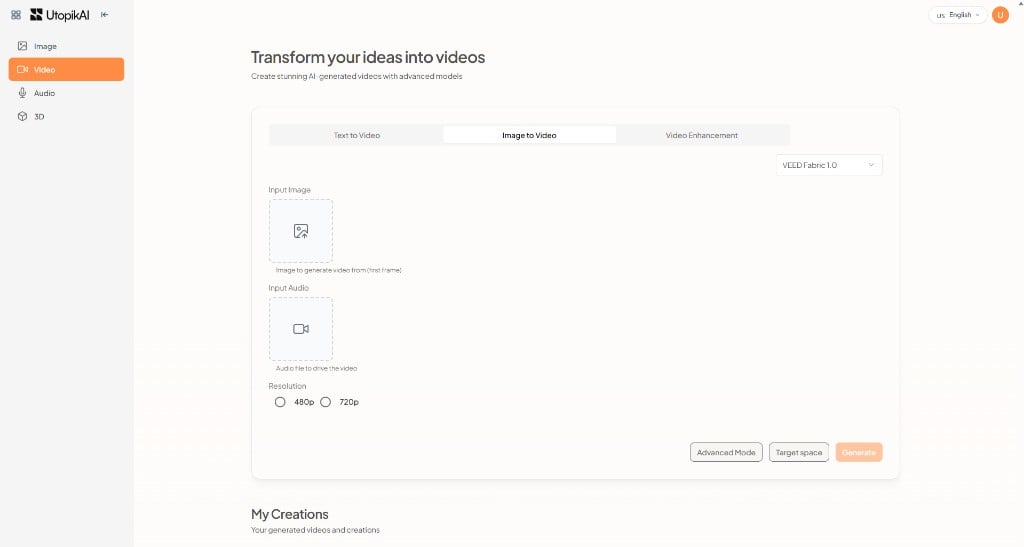
- Select the Image to Video tab.
- Choose a model (for example VEED Fabric 1.0 or Wan 2.7 Image to Video).
- Upload an Input Image — the first frame of the video.
- Optionally upload Input Audio to drive the video.
- Choose a Resolution (for example 480p or 720p).
- Click Generate.