
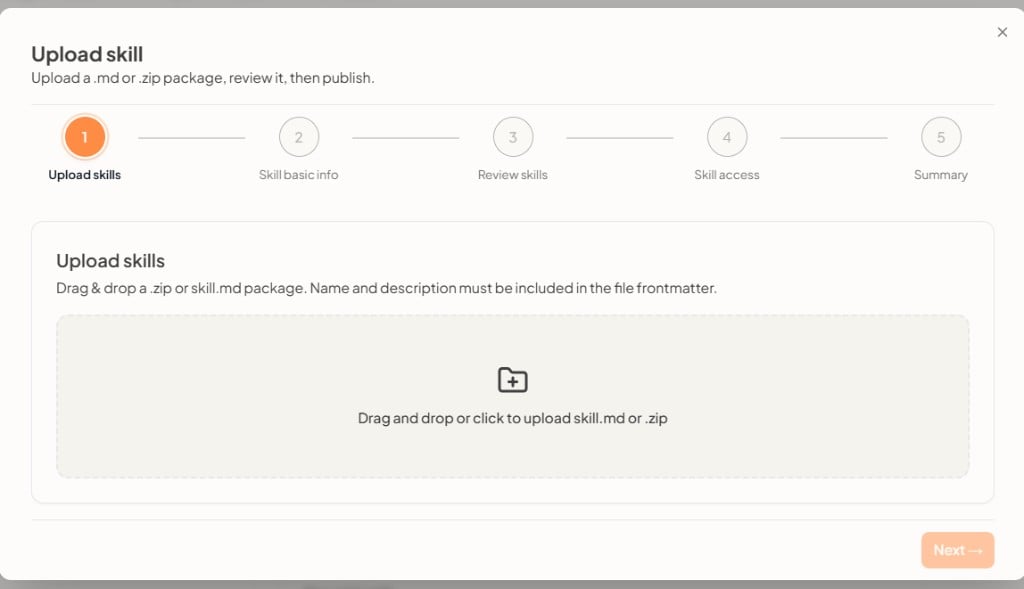
1. Upload skills
Drag and drop or click to upload a skill.md or .zip package. The file frontmatter must include name and description. Click Next after a valid file is uploaded.Later steps
- Skill basic info — Confirm or edit the name and other details from the package.
- Review skills — Check the uploaded content before you continue.
- Skill access — Grant users or the whole workspace, the same way as when you create a skill.
- Summary — Confirm and finish.