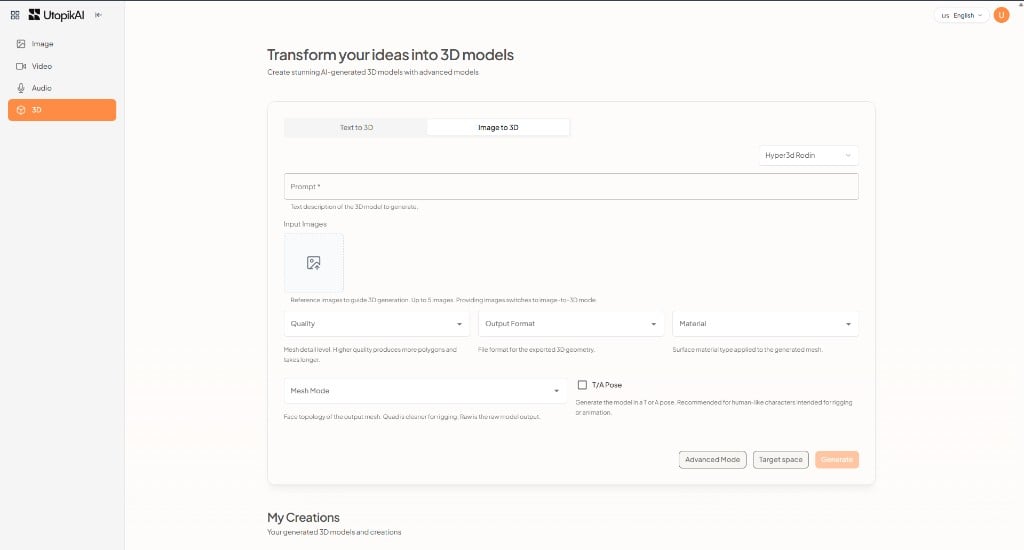
- Text to 3D — Describe the model in a prompt.
- Image to 3D — Guide generation with reference images.
Text to 3D
- Select the Text to 3D tab.
- Choose a model (for example Hyper3D Rodin).
- Enter a Prompt describing the 3D model.
- Optionally add Input Images (up to 5). Adding images switches the job toward image-to-3D.
- Set Quality, Output Format, Material, and Mesh Mode if shown.
- Optionally enable T/A Pose for character-style models.
- Click Generate.
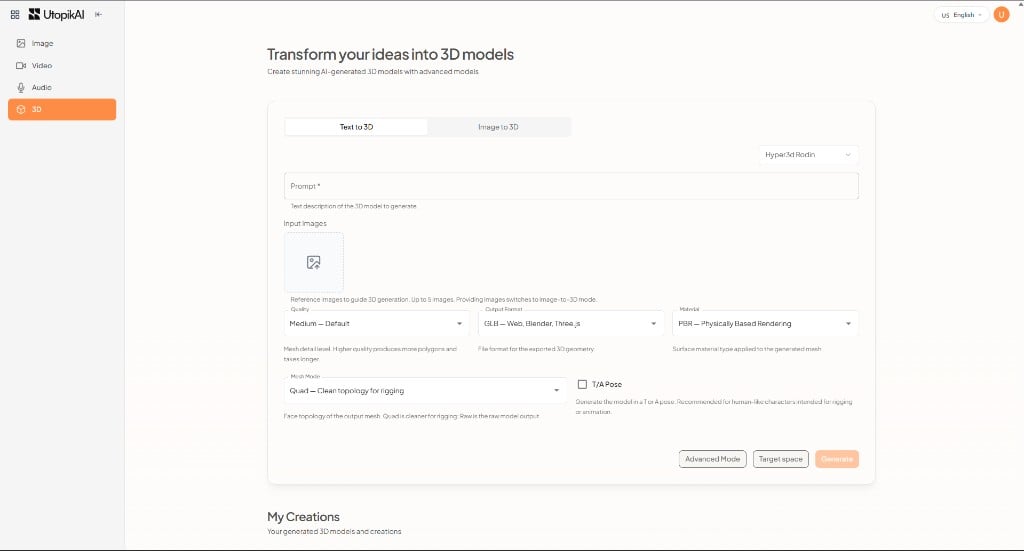
Image to 3D
- Select the Image to 3D tab.
- Choose a model (for example Hyper3D Rodin).
- Enter a Prompt if the model uses one.
- Upload Input Images (up to 5).
- Set quality, format, material, and mesh options as needed.
- Click Generate.