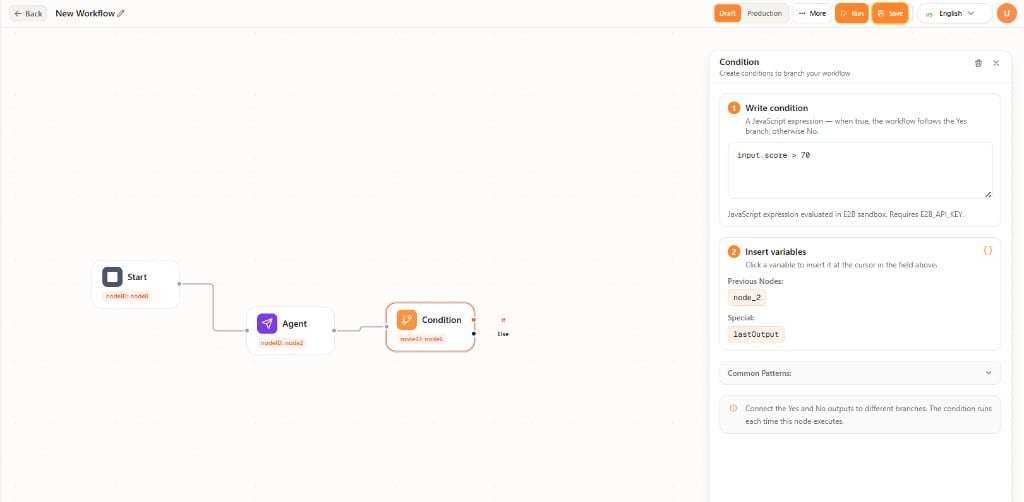
Condition
Condition branches the flow. The node has If and Else outputs. Connect each output to a different path. Write an expression that evaluates to true or false, for exampleinput.score > 70. Insert variables from previous nodes or lastOutput.
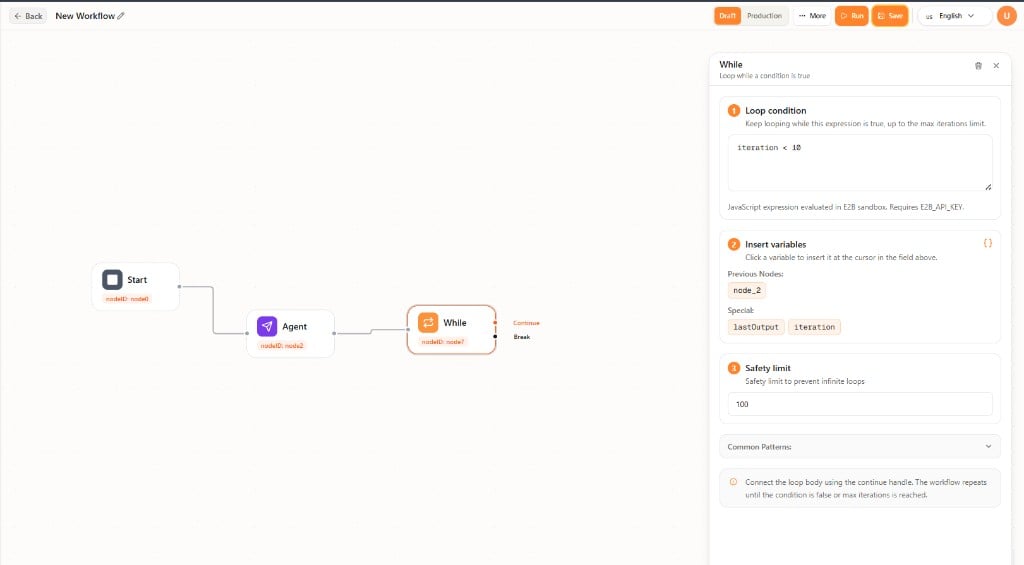
While
While repeats steps while a condition is true. The node has Continue (loop body) and Break (when the loop should stop) outputs. Write the loop condition, for exampleiteration < 10. Insert variables from previous nodes, lastOutput, or iteration. Set a Safety limit (maximum iterations) so the loop cannot run forever.
Connect the loop body to Continue. The workflow repeats until the condition is false or the safety limit is reached.
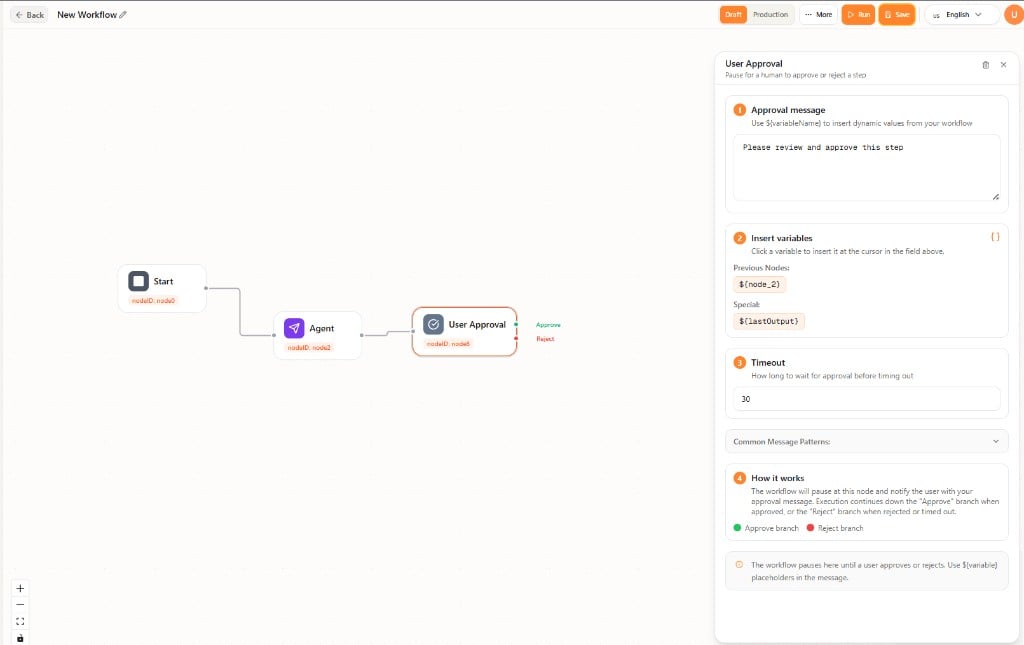
User Approval
User Approval pauses the workflow until a person approves or rejects the step. The node has Approve and Reject outputs.- Approval message — Text shown to the reviewer. You can include
${variable}placeholders. - Insert variables — Values from previous nodes or lastOutput.
- Timeout — How long to wait before the step times out.