
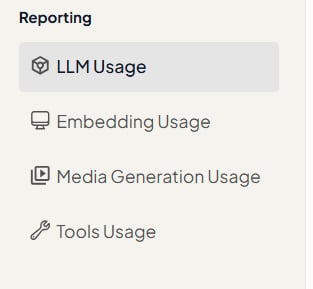
Reporting views
Each report supports a date range and a Daily interval. Cost-based reports also include a currency selector.
Who can access reporting
Workspace administrators can open Reporting from the product navigation. If you do not see Reporting, ask a Workspace administrator to confirm your role and permissions.Related documentation
- LLM — Model selection and pricing
- Embedding Models — Embedding options for knowledge search
- Studio Overview — Image, video, audio, and 3D generation
- Tools Overview — Connected apps and tool instances
- Creating Assistants
- Creating Agents