
Spaces is only available for Workspace Admin. If you do not see it in the Admin navigation, ask a Workspace Admin to confirm your role and permissions.
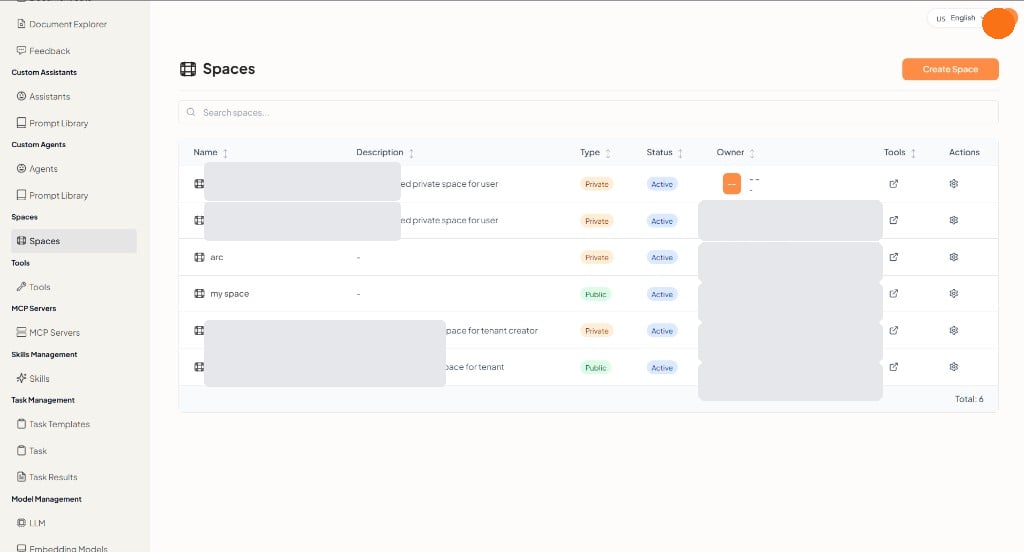
What you can do
Spaces table
The footer shows the total number of rows.
Private spaces are limited to invited members. Public spaces are available more broadly in the workspace.
Create a space
Click Create Space. The Space Settings panel opens.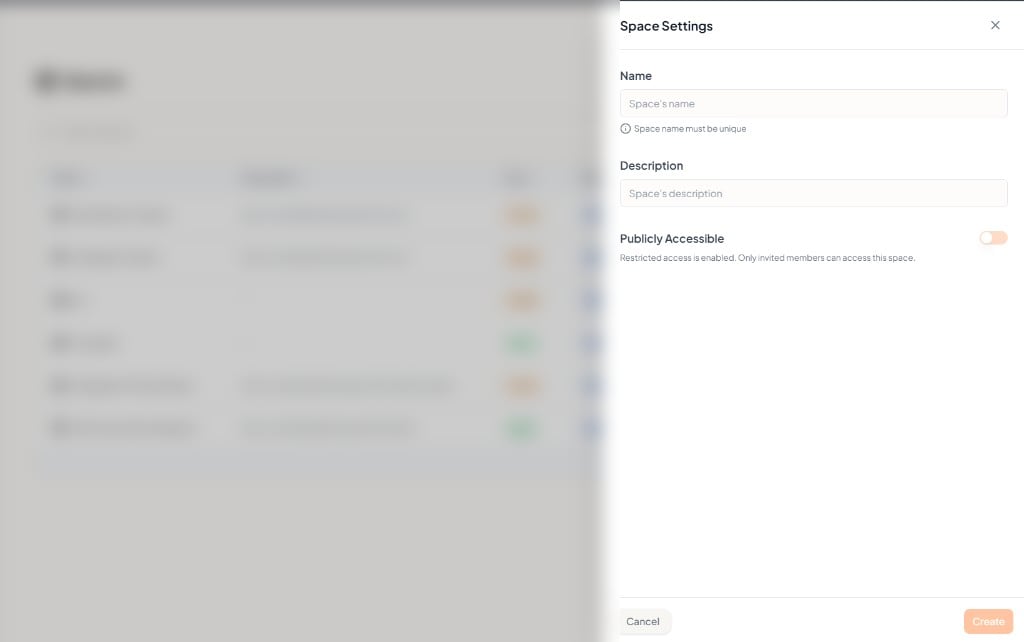
Click Create to add the space, or Cancel to close without creating one. After you save, the space appears in the list with Type set from the Publicly Accessible setting.