
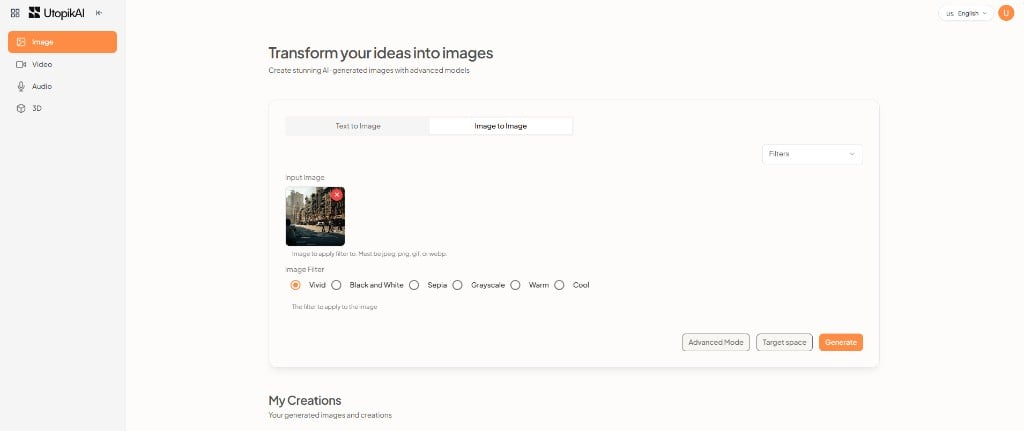
Each generator has a model picker, a prompt or upload area, Advanced Mode, Target space, and Generate. Finished work appears under My Creations.
Live Studio catalogs:
Shared controls
These options appear across Studio:- Model — Choose the generation model for the current mode. See the image, video, and audio catalogs.
- Advanced Mode — Extra settings for the selected model.
- Target space — Choose which space the output belongs to.
- Generate — Start the job.
- My Creations — History of outputs for that generator (images, videos, audio, or 3D models).