
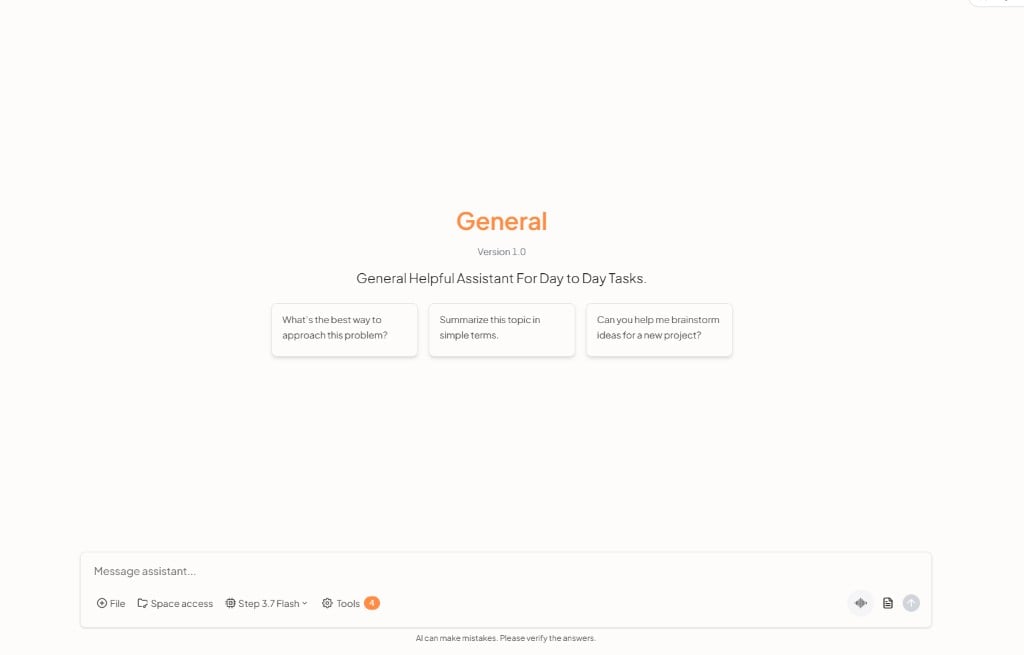
An operations assistant
Create a custom assistant for IT, HR, or a shared internal-help role (or start from General or Search). Instruct it on tone, what it must not invent, and when to tell the person to open a ticket. People then ask in chat, for example:- How do I set up the VPN for remote work?
- Where are the benefits details for this plan?
- What are my onboarding goals this week?
Knowledge worth connecting
Typical sources, via connectors:- HR and IT policies
- Onboarding checklists and goal docs
- Internal how-tos and runbooks
- Ticket history for recurring issues
Tools, workflows, and scheduled work
Attach tools so the assistant or a separate agent can look up HR, IT, or other apps you already use. The live catalog is on the UtopikAI tools page.- Workflows — Multi-step internal processes, including user approval when a person must sign off
- Tasks — Recurring runs, for example a digest of unanswered internal questions
- Studio — Images or other media for guides when you need generated visuals