> ## Documentation Index
> Fetch the complete documentation index at: https://docs.utopikai.com/llms.txt
> Use this file to discover all available pages before exploring further.
# Request Tracker Connector
> Access tickets and transactions from Request Tracker 4.x
## How it works
The Request Tracker connector will pull in all tickets updated within the last 10 minutes into the dataset.
Tickets are updated every **10** minutes.
Only Request Tracker REST API 1.0 is supported at this time. REST API 1.0 is implemented in Request Tracker 4.x,
Request Tracker 5.x is not supported currently.
## Setting up
### Create or use a Request Tracker user who has the appropriate permissions
1. Create a Request Tracker user that has read access to all queues UtopikAI should read.
### Configure DAnswer Request Tracker connector and begin indexing
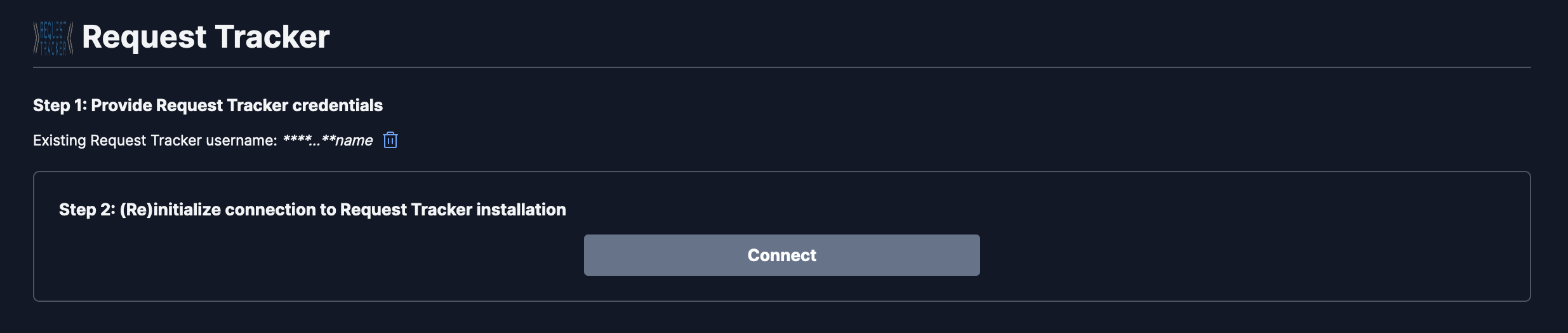
1. Navigate to the Admin Dashboard and select the **Request Tracker** Connector
2. In **Step 1**, provide your Request Tracker **username**, **password**, and **RT installation base url**.
 3. In **Step 2**, click `Connect` to begin indexing